











Introduction
Teaching has never been an easy job, and in 2026, many educators feel they have less time than ever before. Planning lessons, creating presentations, grading assignments, writing parent emails, and preparing classroom activities often continue long after the school day ends. On top of that, teachers are expected to keep up with new AI tools, changing technology, and evolving classroom needs. With so many platforms claiming to save time, it can be difficult to know which ones are actually useful and which are simply following the latest trend.
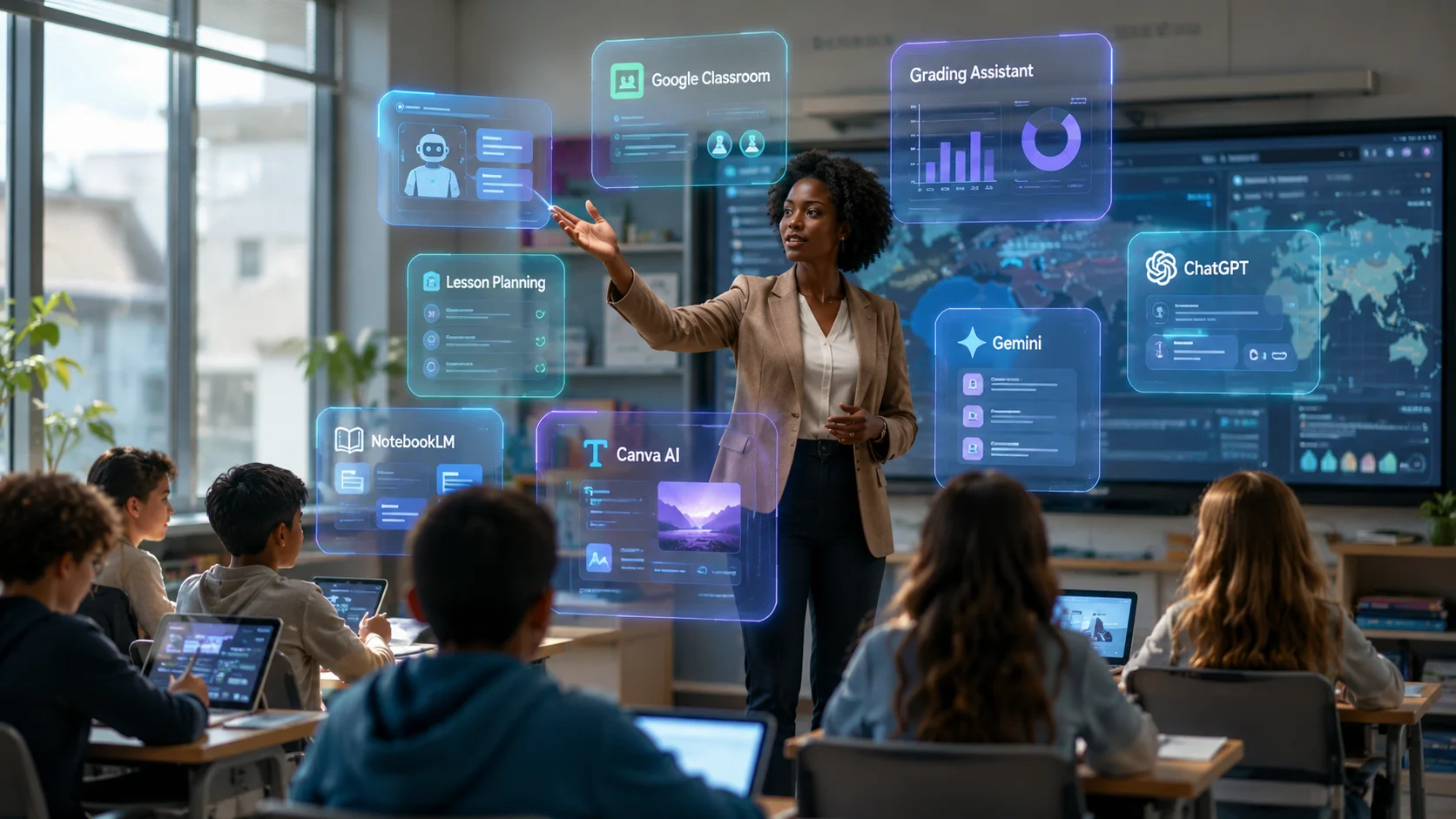
After analyzing the latest AI education updates, expert recommendations, and teacher-focused platforms, one thing is clear: the best AI tools are not replacing teachers—they are helping them work smarter. Google’s latest education announcements highlight connected AI experiences through Gemini, NotebookLM, and Google Classroom, while education-specific platforms are solving everyday classroom problems like lesson planning, grading, and differentiated instruction. In this guide, you’ll discover the latest AI tools for teachers in 2026, the biggest education AI news, and practical recommendations to help you choose the right tool for your classroom with confidence.
Why Teachers Are Turning to AI in 2026
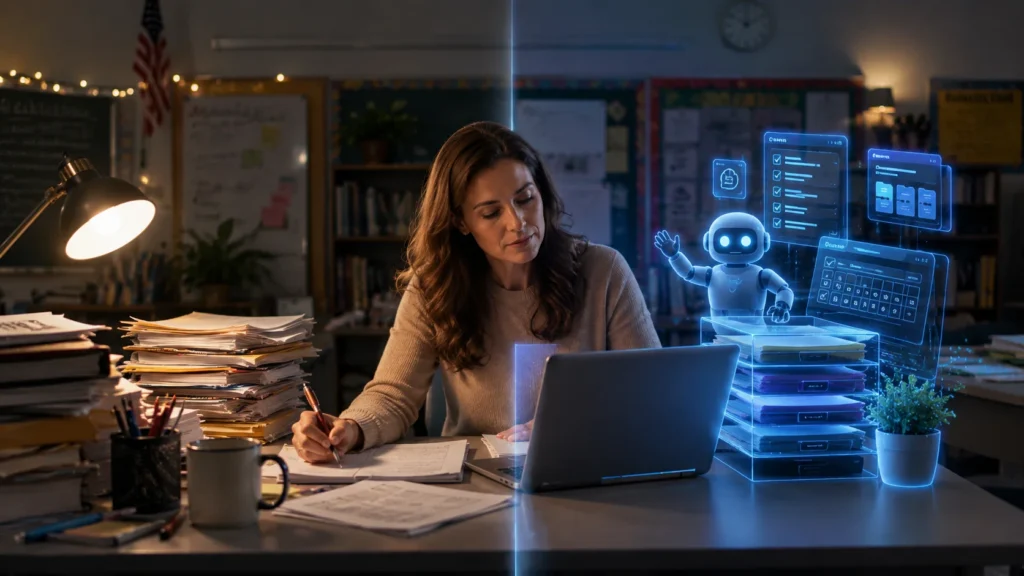
Teachers are expected to do more than ever before. A typical school day includes lesson planning, creating presentations, preparing quizzes, grading assignments, answering parent emails, and supporting students with different learning needs. These repetitive tasks take valuable time away from teaching.
This is why AI tools have become increasingly popular in 2026. Instead of replacing teachers, they help automate routine work so educators can spend more time supporting students and improving classroom learning. Recent updates from Google also focus on giving teachers AI-powered assistance while keeping educators in control of every classroom decision.
What Changed for AI Tools for Teachers in 2026?
Artificial intelligence is no longer just an experimental technology in education. In 2026, AI has become a practical classroom assistant that helps teachers save time, improve productivity, and create more engaging learning experiences.
One of the biggest changes this year is the move toward connected AI ecosystems. Instead of using separate tools for every task, teachers can now create lesson plans, organize research, prepare presentations, generate classroom activities, and manage learning and development resources across connected platforms.
Google’s latest education announcements introduced new AI experiences across Google Classroom, Gemini, and NotebookLM. New teacher-led activities, study notebooks, and AI-powered classroom experiences are designed to reduce administrative work while helping educators guide student learning more effectively.
Another major trend is AI literacy. Schools are not only teaching students how to use AI but also helping teachers understand responsible AI practices, critical thinking, and digital safety. The goal is to help educators use AI confidently while keeping human judgment at the center of every classroom decision.
The Biggest AI Education News in 2026
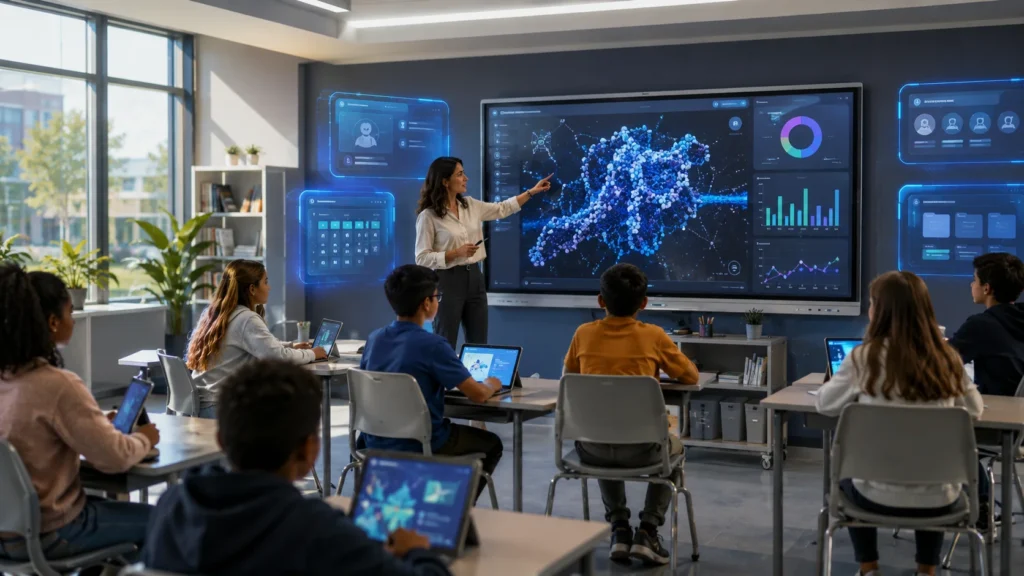
Several important developments have shaped AI in education this year.
Google announced one of its largest education AI updates during ISTE 2026. The company expanded Gemini for Education, introduced new AI-powered experiences inside Google Classroom, and continued improving NotebookLM for teachers and students. These updates aim to help educators prepare lessons faster, personalize learning, and simplify classroom workflows.
NotebookLM has also become more useful for educators. Teachers can upload lesson plans, curriculum documents, research papers, and classroom resources to generate study guides, summaries, quizzes, and learning materials based entirely on their own content instead of general web information.
Education-focused AI platforms are also growing quickly. Tools like MagicSchool AI, Brisk Teaching, and Diffit now provide classroom-specific features such as differentiated instruction, grading assistance, lesson planning, and teacher feedback, giving educators more specialized options beyond general AI chatbots.
Quick Comparison of the Best AI Tools

How We Evaluated These AI Tools
💡 Teacher Takeaway
If this task takes you the most time every week, this is probably the first AI tool you should try. Start with one tool, learn it well, then expand your AI workflow instead of using several platforms at once.
We selected these AI tools based on classroom usefulness, teacher productivity, ease of use, education-specific features, integration with popular learning platforms, and the latest 2026 updates. We also considered how well each tool supports lesson planning, instructional planning, formative assessment, personalized learning, and everyday classroom workflows.
How Can ChatGPT Help Teachers Save Time?
ChatGPT is one of the best AI tools for teachers because it helps create lesson plans, quizzes, classroom activities, parent emails, and teaching resources within minutes.
Many teachers use ChatGPT every day to reduce repetitive work. Instead of starting every lesson from scratch, educators can quickly generate ideas, create worksheets, simplify difficult topics, and prepare classroom discussions.
ChatGPT can help teachers:
- Create lesson plans
- Generate classroom discussion questions
- Write quizzes and worksheets
- Draft parent emails
- Create rubrics
- Generate creative writing prompts
- Support differentiated instruction
Best For
- AI lesson planning
- Parent communication
- Classroom brainstorming
- Instructional planning
- Teacher productivity
Ideal For
- Elementary teachers
- Middle school teachers
- High school teachers
- College lecturers
- Homeschool educators
Limitation
ChatGPT can occasionally produce incorrect or outdated information. Teachers should always review AI-generated content before using it with students.
Best for: Teachers who want one flexible AI assistant for everyday classroom tasks.
How Does Google Gemini Help Teachers?
Google Gemini is designed to work closely with Google Workspace for Education, making it one of the best AI tools for schools already using Google Classroom.
Google continues expanding Gemini’s education features throughout 2026. Teachers can use Gemini to create documents, summarize information, prepare presentations, generate classroom resources, and support personalized learning without leaving Google’s ecosystem. New teacher-led AI experiences are also being introduced across Google Classroom and connected learning platforms.
Gemini works especially well with:
- Google Classroom
- Google Docs
- Google Slides
- Google Drive
- Google Workspace for Education
Best For
- Classroom collaboration
- Document creation
- AI-powered lesson preparation
- Google Classroom workflows
Ideal For
- Schools using Google Workspace
- School districts
- Technology coordinators
- Teachers already using Google Classroom
Limitation
Gemini provides the best experience inside Google’s ecosystem. Teachers using different learning management systems may not benefit from every integration.
Best for: Educators looking for a connected AI workspace that fits naturally into their existing classroom tools.
What Is NotebookLM and How Can Teachers Use It?
NotebookLM is Google’s AI-powered research assistant that helps teachers organize, summarize, and teach from their own classroom materials.
Unlike many AI tools, NotebookLM works with the documents that teachers upload. This means lesson plans, curriculum guides, research papers, reading materials, and classroom notes become trusted sources for generating study guides, quizzes, summaries, and learning activities.
Google continues expanding NotebookLM with deeper Google Classroom integration, making it easier for teachers and students to create interactive learning experiences based on classroom resources rather than general internet content.
Teachers can use NotebookLM to:
- Summarize long documents
- Create study guides
- Generate quizzes
- Organize curriculum resources
- Support personalized learning
- Prepare research-based lessons
Best For
- Research-based lessons
- Curriculum planning
- Teacher notes
- Study materials
Ideal For
- AP teachers
- College instructors
- Research-focused educators
- Curriculum developers
Limitation
NotebookLM performs best when teachers upload reliable source materials. Without trusted documents, its educational value is more limited.
Best for: Teachers who regularly work with curriculum documents, research papers, and detailed classroom resources.
How Does Canva AI Help Teachers Create Better Lessons?
Canva AI helps teachers create professional classroom materials in minutes, even if they have no design experience.
Many students learn better with visual content. Canva AI allows teachers to quickly create lesson presentations, classroom posters, worksheets, infographics, certificates, and social learning activities. Instead of designing every slide from scratch, teachers can use AI to generate layouts, suggest images, and improve presentations.
Canva also supports collaborative learning, making it easy to share projects with students or work with other teachers.
Teachers can use Canva AI to create:
- Lesson presentations
- Classroom posters
- Visual study guides
- Interactive worksheets
- Educational infographics
- Classroom newsletters
Best For
- Visual learning
- Classroom presentations
- Student engagement
- Creative classroom resources
Ideal For
- Elementary teachers
- Science teachers
- English teachers
- Social studies teachers
- Teachers using project-based learning
Limitation
Teachers should always review AI-generated visuals and text to ensure they are accurate, age appropriate, and aligned with classroom objectives.
Best for: Educators who want engaging classroom materials without spending hours on design.
How Do MagicSchool AI and Brisk Teaching Help Educators?
General AI assistants are useful, but education-specific platforms are becoming more popular because they are built for teachers.
MagicSchool AI
MagicSchool AI is designed specifically for education. It includes dozens of tools for lesson planning, assessments, parent communication, IEP support, classroom activities, and differentiated instruction. The platform continues to expand with new teacher-focused features and district-friendly AI solutions.
Best For
- Lesson planning
- Classroom resources
- Parent communication
- Rubrics
- Differentiated instruction
Ideal For
- K–12 teachers
- Special education teachers
- Curriculum coordinators
- School districts
Brisk Teaching
Brisk Teaching works directly inside tools that teachers already use, including Google Docs, Google Slides, Microsoft Word, and Canvas. Instead of switching between different websites, teachers can generate feedback, simplify grading, personalize reading materials, and create classroom resources from their existing workflow.
Best For
- AI-assisted grading
- Student feedback
- Classroom productivity
- Personalized learning
Ideal For
- Busy classroom teachers
- Secondary educators
- Teachers using Google Workspace
- Schools adopting AI
Best for: Teachers who want classroom-specific AI instead of a general-purpose chatbot.
Common Teaching Challenges AI Can Solve
Teachers spend a large part of their day completing repetitive administrative work. Modern AI tools can reduce many of these tasks while allowing teachers to stay focused on instruction.
AI can help with:
- Writing lesson plans
- Creating quizzes
- Preparing presentations
- Writing parent emails
- Giving faster student feedback
- Differentiating instruction
- Organizing classroom resources
- Creating study guides
Instead of replacing teachers, these tools reduce repetitive work so educators can spend more time helping students learn and engage in the classroom.
Which AI Tool Should You Start With?
If you’re new to AI, start with the tool that solves your biggest challenge.
- Need help planning lessons? Try ChatGPT or MagicSchool AI.
- Already using Google Classroom? Choose Gemini and NotebookLM.
- Creating presentations takes too long? Canva AI is a great choice.
- Grading is your biggest challenge? Brisk Teaching can speed up feedback.
- Need differentiated reading materials? Diffit is worth exploring because it adapts content for different reading levels and learning needs.
Many teachers achieve the best results by combining two or three AI tools instead of relying on just one.
A Simple AI Workflow for Teachers
Instead of using AI randomly, teachers can build a simple workflow.
- Create a lesson plan with ChatGPT or MagicSchool AI.
- Organize curriculum materials using NotebookLM.
- Design presentation slides with Canva AI.
- Share classroom materials through Google Classroom with Gemini.
- Generate quizzes and worksheets.
- Use Brisk Teaching to speed up grading and feedback.
- Draft parent emails using ChatGPT.
This workflow reduces repetitive work while keeping teachers in control of every classroom decision.
Why Responsible AI Still Matters
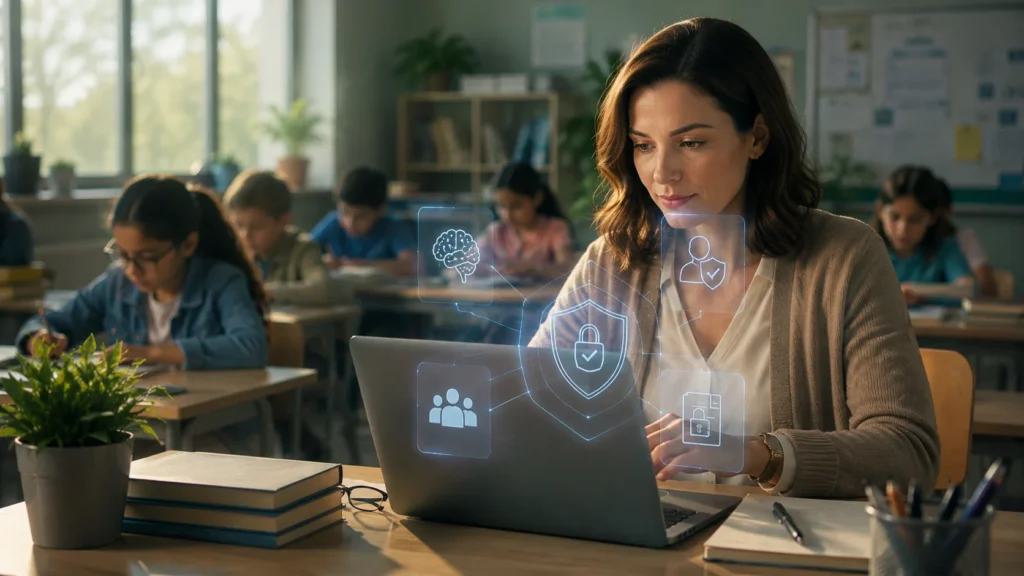
AI should always support teachers—not replace them.
Schools continue to focus on responsible AI use, student privacy, and teacher oversight. Google’s latest education initiatives emphasize secure AI experiences that help teachers achieve their instructional goals while maintaining educator control.
Teachers should never upload confidential student information into public AI platforms unless the platform has been approved by their school or district.
It is also important to review every AI-generated lesson, worksheet, quiz, or assessment before sharing it with students. AI can occasionally generate incorrect or outdated information.
When used responsibly, AI becomes a classroom assistant that saves time, improves productivity, and supports personalized learning without replacing professional teaching expertise.
Frequently Asked Questions
What is the best AI tool for teachers in 2026?
The best AI tool depends on your needs. ChatGPT is excellent for lesson planning, Gemini works well with Google Workspace, NotebookLM supports research, Canva AI creates visual lessons, and MagicSchool AI provides education-specific classroom tools.
Are AI tools free for teachers?
Many AI tools offer free plans. ChatGPT, Google Gemini, NotebookLM, and Canva AI all provide free versions, while MagicSchool AI and Brisk Teaching also offer free access with some feature limits.
Can AI create lesson plans?
Yes. AI can generate lesson plans, classroom activities, quizzes, worksheets, and rubrics in minutes. Teachers should review and customize the content before using it in class.
Which AI tool works best with Google Classroom?
Google Gemini is the best option for teachers already using Google Classroom because it integrates with Google Workspace for Education and works alongside NotebookLM.
Is AI safe for students?
AI can be safe when schools use trusted education platforms, protect student privacy, and ensure teachers review AI-generated content. Human oversight remains an essential part of responsible AI use in education.
Conclusion
The best AI tools for teachers in 2026 are not necessarily the ones with the most features—they are the ones that solve real classroom problems. Throughout this guide, we compared today’s leading AI tools based on classroom usefulness, teacher productivity, ease of use, and recent education updates instead of marketing claims. Whether your goal is creating better lesson plans, reducing grading time, improving student engagement, or organizing teaching resources, choosing the right AI assistant can make your daily workflow more efficient while keeping you in control of every classroom decision.
From everything happening in education this year, one message stands out: AI works best when teachers remain at the center of learning. Recent updates from Google and education organizations continue to focus on responsible AI, educator leadership, and student success rather than automation alone. My recommendation is simple—start with one tool that solves your biggest daily challenge, learn how to use it well, and expand your workflow over time. Even saving 30 to 60 minutes each day can give you more time for what matters most: helping students learn, grow, and succeed.
Interested in more technology and AI content? Browse our AI Tools category on The Write Posts for expert comparisons, step-by-step guides, and the latest updates from the world of artificial intelligence.